The problem
You are at your desk, but not touching the keyboard: reading a long document, on a call from your phone, or waiting for a build. A few minutes later, Teams or Slack switches you to Away, and the VPN or SSH session you need drops.
Classic “prevent sleep” tools don’t fix this. They keep the machine running, but chat apps decide your status from the system-wide input idle time, which keeps counting. Your status flips to Away anyway.
The product
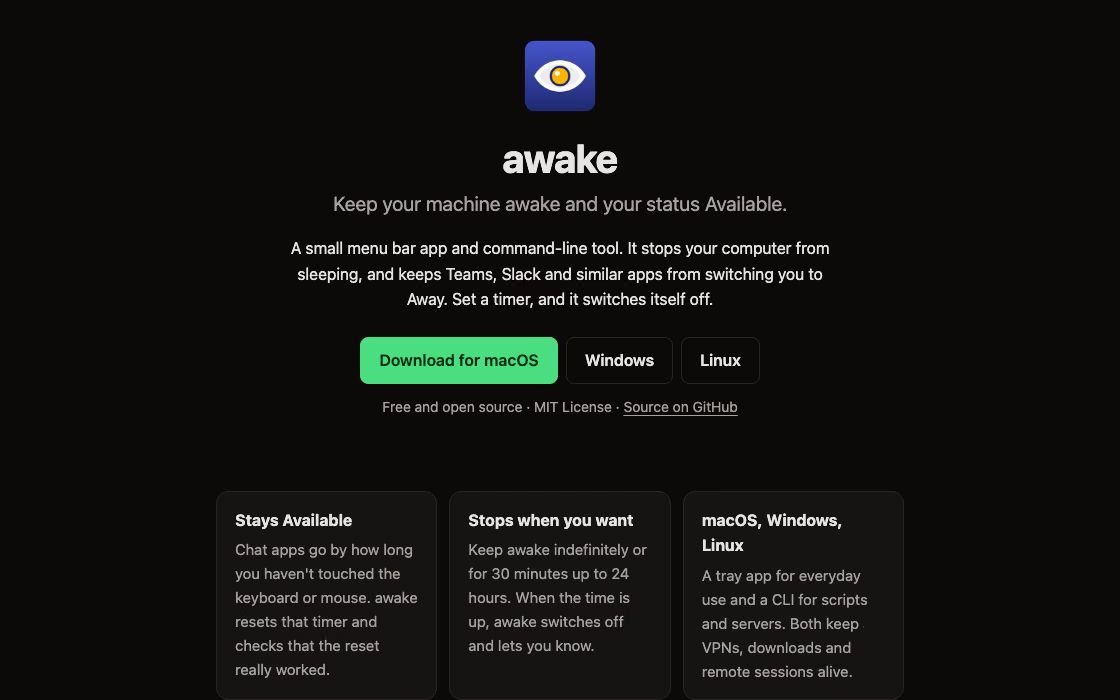
awake does both jobs. It prevents system sleep and resets the idle timer that chat apps read, and after every reset it checks that the timer actually dropped. If a method reports success without working, awake treats it as a failure and tries the next one.
- Stays Available in Teams, Slack, and similar apps by resetting the idle timer and verifying each reset.
- Timed sessions run indefinitely or from 30 minutes up to 24 hours, then switch off and notify you.
- Tray app and CLI for everyday use, scripts, and servers, with
awake installto start at login. - Honest status: the tray menu and
awake status --testshow which method works and what is missing, such as macOS Accessibility access. - Private by default: no account, no telemetry, and it only contacts GitHub when you check for updates.
How it works
Every operating system needs its own approach. On macOS, awake combines power assertions with synthetic input events; on Windows, it uses the execution-state and input APIs; on Linux, it works through logind, D-Bus, X11, and a virtual input device. The methods are tried in order, and the first one that verifiably works is used first next time.
That verification turned out to matter. On current macOS versions, the built-in “declare user activity” call wakes the display but doesn’t reset the idle time that chat apps read. awake detects this at runtime and moves on to a method that works.
Technical decisions
- Rust powers a shared core library used by both frontends.
- Tauri provides a lightweight, cross-platform tray app.
- A separate CLI runs in the foreground or as a per-user login service (LaunchAgent, systemd, or Task Scheduler), without admin rights.
- Automated releases produce a signed and notarized macOS app, Windows installers, Linux packages, a Homebrew tap, and install scripts.
My role
I built awake end to end because I needed it myself: the cross-platform core, the tray app and CLI, the release pipeline, and the website. It is open source under the MIT License.
The tool is available at awake-site.vercel.app, and the source is on GitHub.